
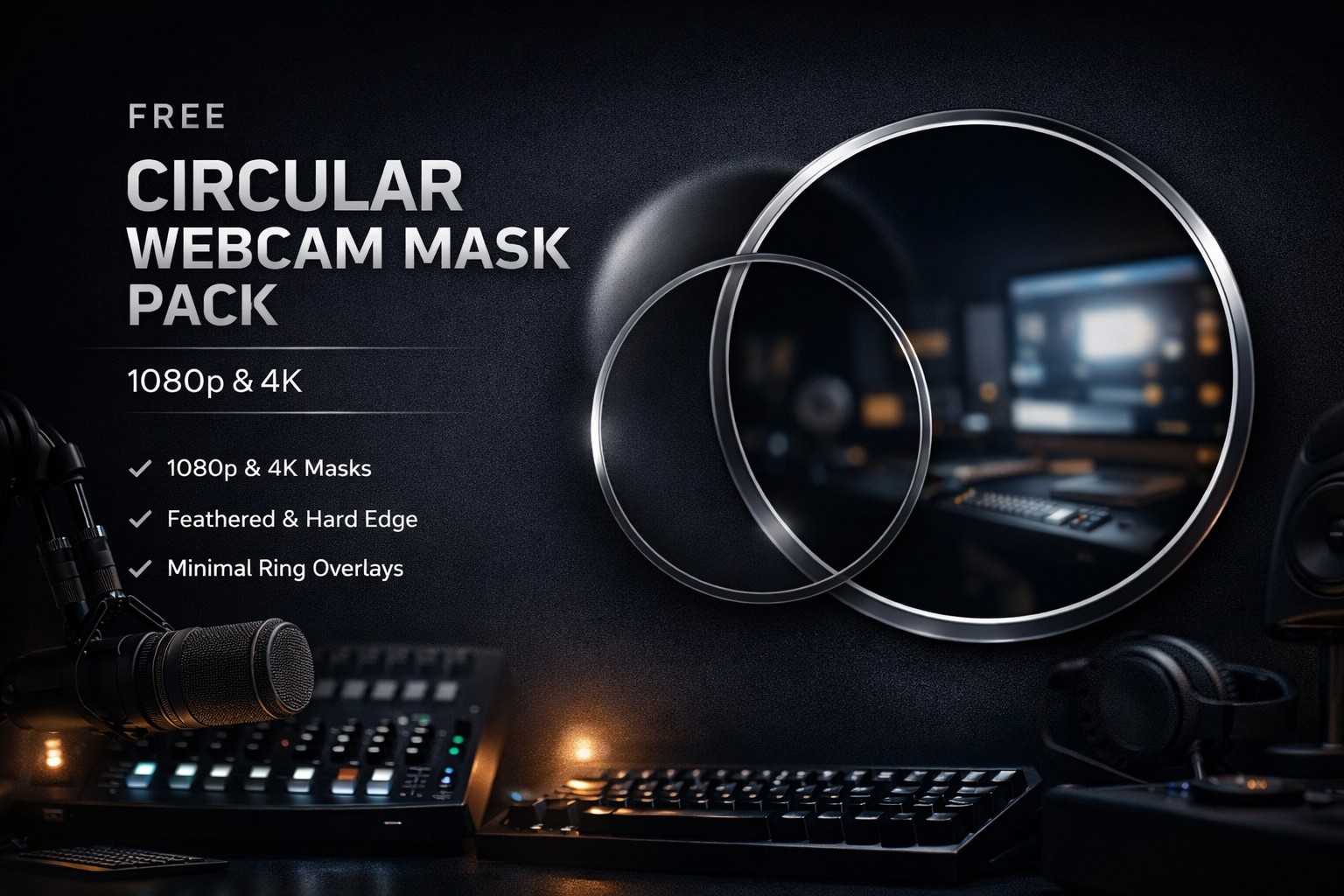
Free Circular Webcam Mask Pack for OBS (1080p & 4K)
A professional circular webcam mask pack for OBS, designed to make full use of the available camera frame in both 1080p and 4K scenes.
Clean geometry, feathered edges, and minimalist ring overlays for creators who want a refined, modern on-camera look.
✔ Free download
✔ Instant delivery
✔ Commercial use allowed
Designed for clean, modern webcam framing
This free pack provides high-quality circular webcam masks for OBS, built with one goal:
maximum use of the available camera frame without visual clutter.
Instead of small “floating bubbles” that waste resolution, these masks are designed to sit close to the vertical limits of the canvas, resulting in a larger, clearer, and more intentional on-camera presence.
The result is a look commonly seen in professional broadcasts, educational content, and premium creator setups.
What’s included
This pack contains production-ready PNG assets:
Full-height circular masks for 1920×1080 OBS scenes
Native 4K circular masks for 3840×2160 scenes
Feathered-edge variants for natural transitions
Hard-edge variants for ultra-clean graphic styles
Minimalist circular ring overlays for subtle visual framing
All assets are transparent PNGs and optimized for real-time use in OBS.
Who this is for
This pack is ideal for:
Streamers and live content creators
Music producers and educators
Podcasters and talking-head formats
Technical, educational, or gear-focused channels
Creators who prefer clean design over heavy overlays
If your visual language is modern, minimal, and intentional, this pack fits naturally.
Why circular framing
Circular webcam framing:
Directs attention to the subject
Integrates cleanly into complex layouts
Works across a wide range of content styles
Ages better than trend-driven overlays
Maintains visual balance in both small and large layouts
This is why circular framing is widely used in professional broadcast and editorial contexts.
Installation in OBS
Download and unzip the files
Open OBS
Add your webcam as a Video Capture Device
Right-click the webcam source → Filters
Under Effect Filters, add Image Mask / Blend
Set Type to Alpha Mask (Mask Only)
Select a mask PNG from the pack
If the cutout appears inverted, enable Invert Mask
Optional:
Add a ring overlay as an Image Source and place it above the webcam source.
Resolution guidelines
OBS canvas 1920×1080 → use the 1080p masks
OBS canvas 3840×2160 → use the 4K masks
Always match the mask resolution to your OBS base canvas for best results.
License & usage
Free for personal and commercial content creation
Allowed for streams, videos, courses, and client work
Redistribution or resale of the files as a standalone product is not permitted
About this release
This pack is part of Audionerdz’ growing library of high-quality creator resources.
It is released for free to support creators who value clean design, professional presentation, and efficient workflows.
Reviews
There are no reviews yet.