
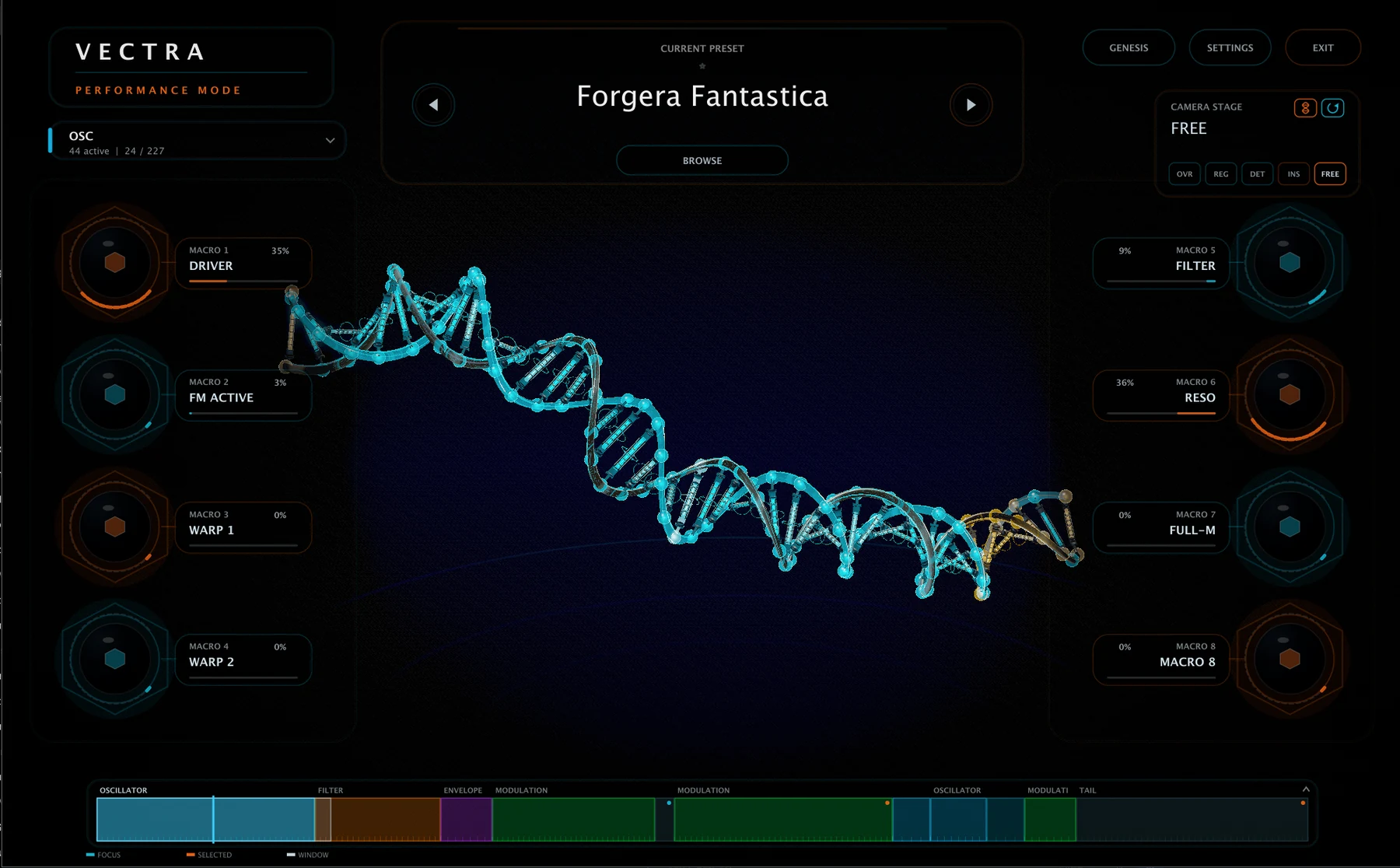
VECTRA CHANGELOG 2.1.3
Your content goes here. Edit or remove this text inline or in the module Content settings. You can also style every aspect of this content in the module Design settings and even apply custom CSS to this text in the module Advanced settings.
VECTRA 2.1.3 Changelog
Preset Browser
-
Fixed audition behavior for purchased preset packs in the Installed browser.
-
Single-clicking an installed purchased preset now correctly auditions the sound while keeping the browser open.
-
Added Up / Down keyboard auditioning for installed purchased presets, bringing keyboard navigation in line with mouse browsing.
-
Improved selection stability while auditioning purchased presets, preventing refreshes from disrupting the currently selected sound.
-
Final preset loading via double-click / Enter remains unchanged.
Windows
-
Fixed an issue that could prevent purchased preset packs from installing correctly on Windows.
-
Improved the reliability of preset-pack staging and finalization during installation.
General
-
Improved consistency and reliability of the paid preset-pack browsing and installation workflow.