Vectra Classic Theme
9,00 €
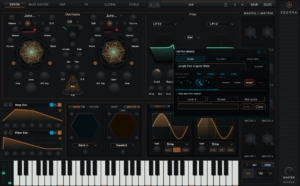
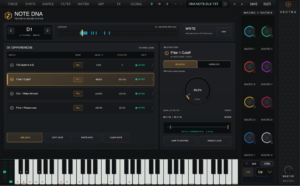
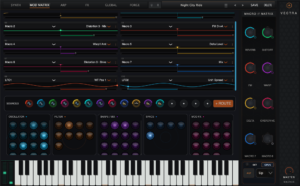
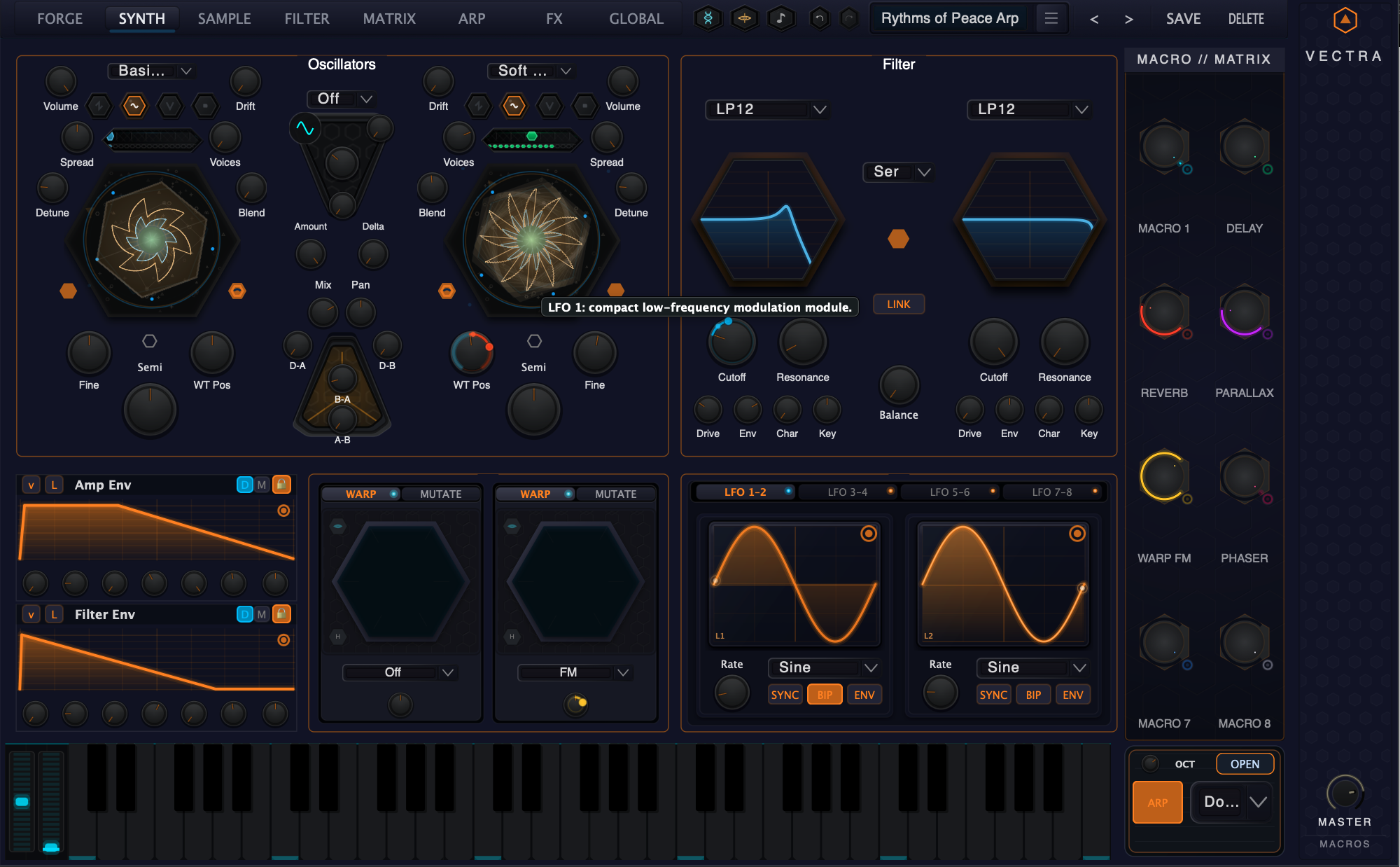
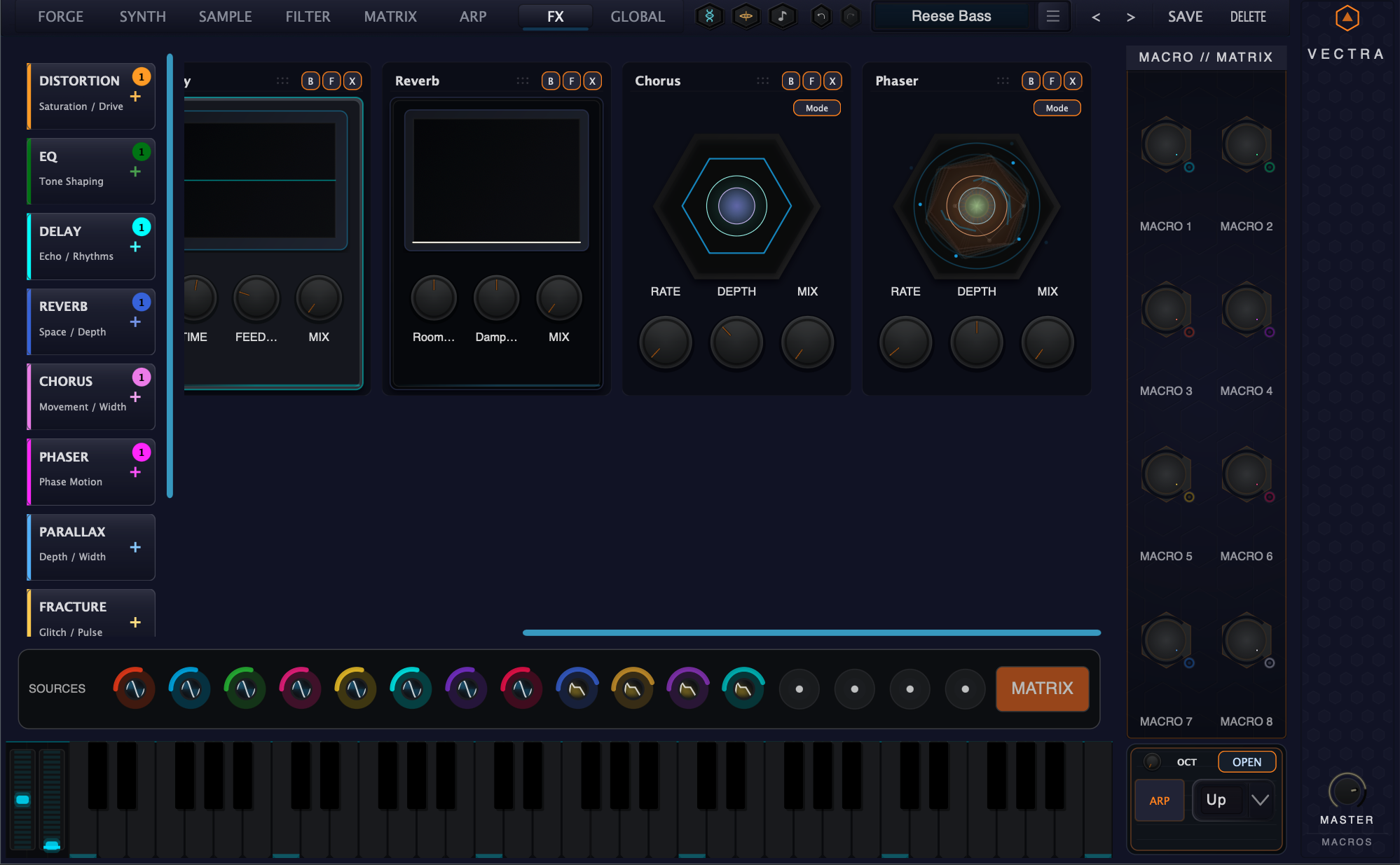
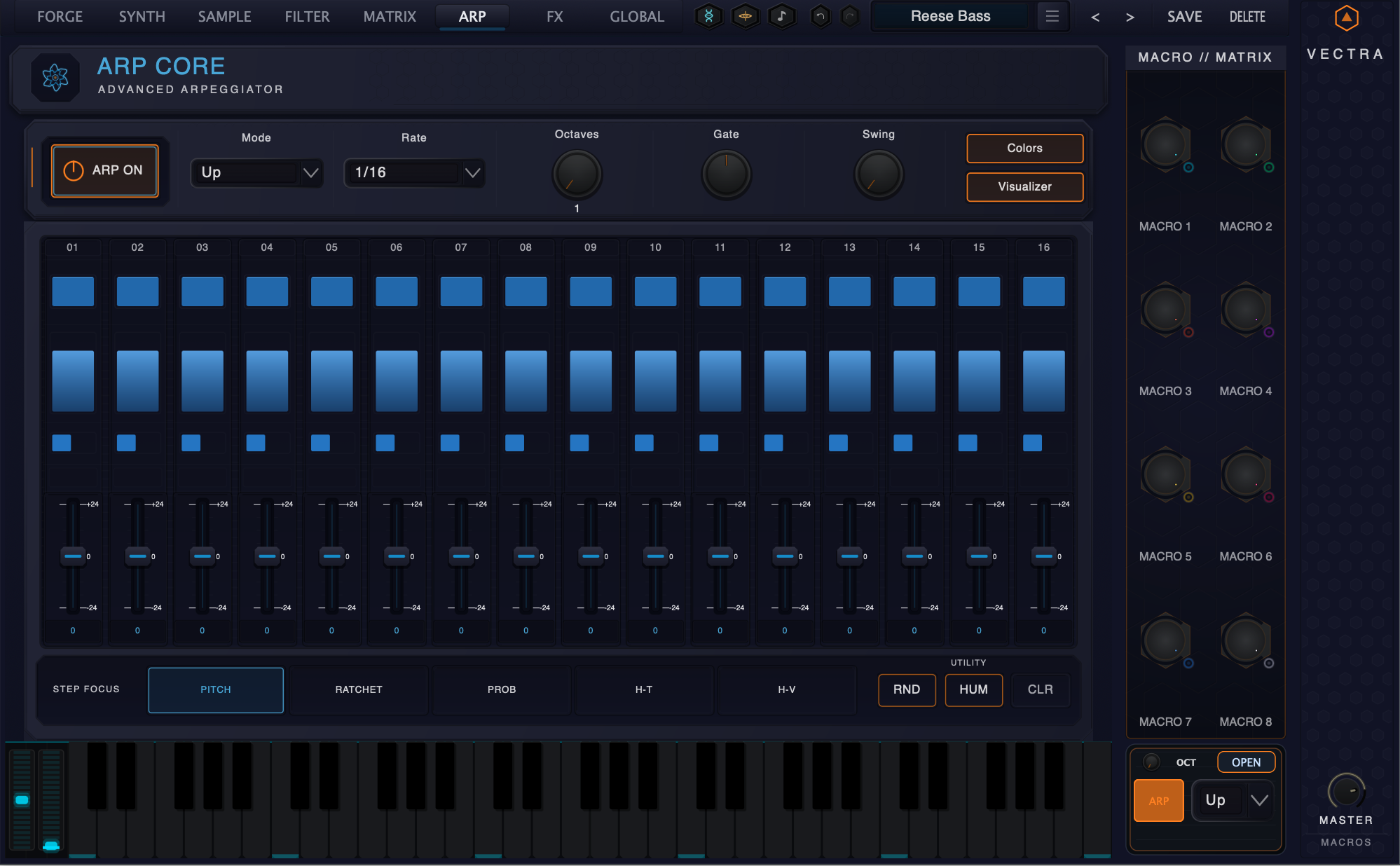
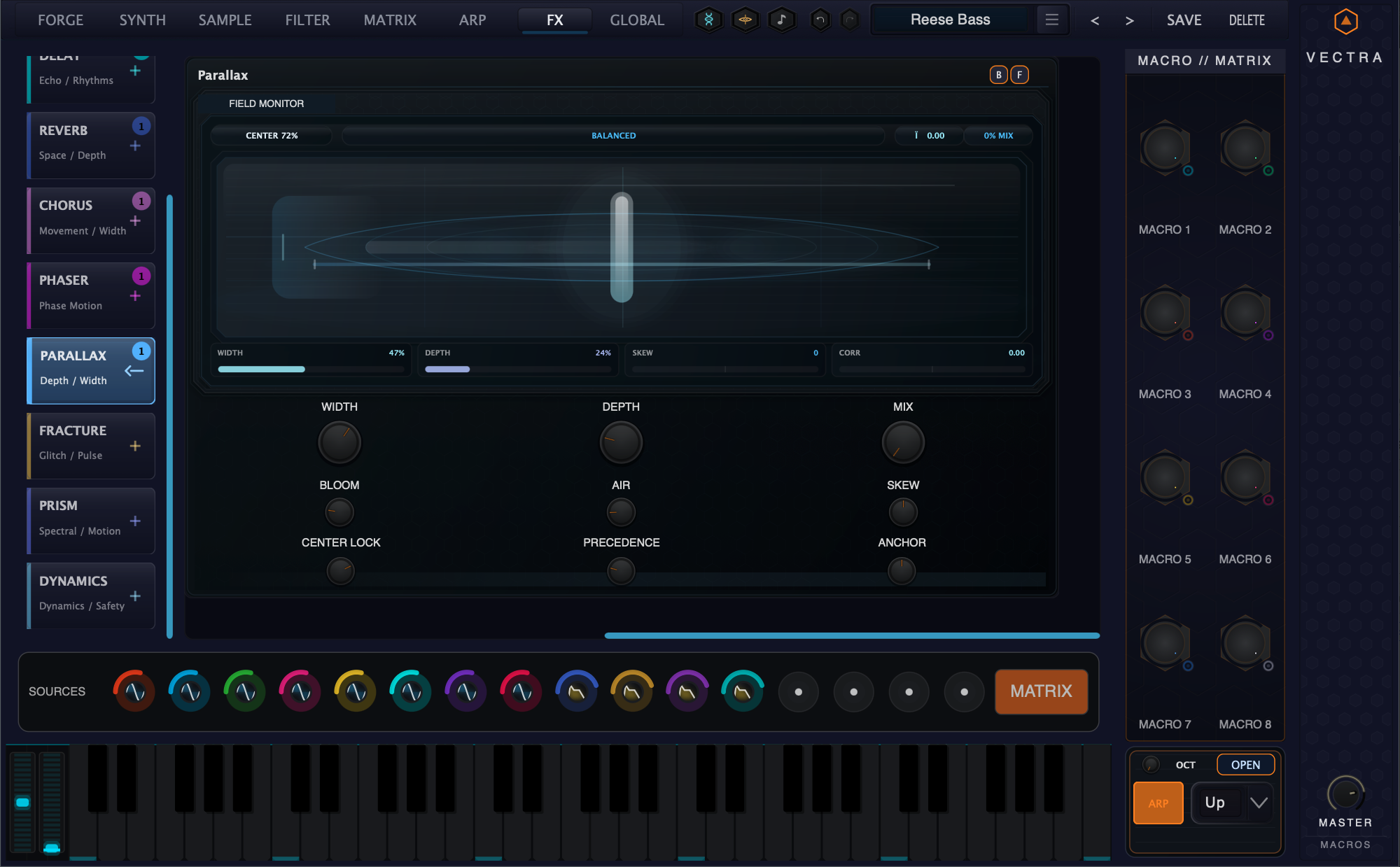
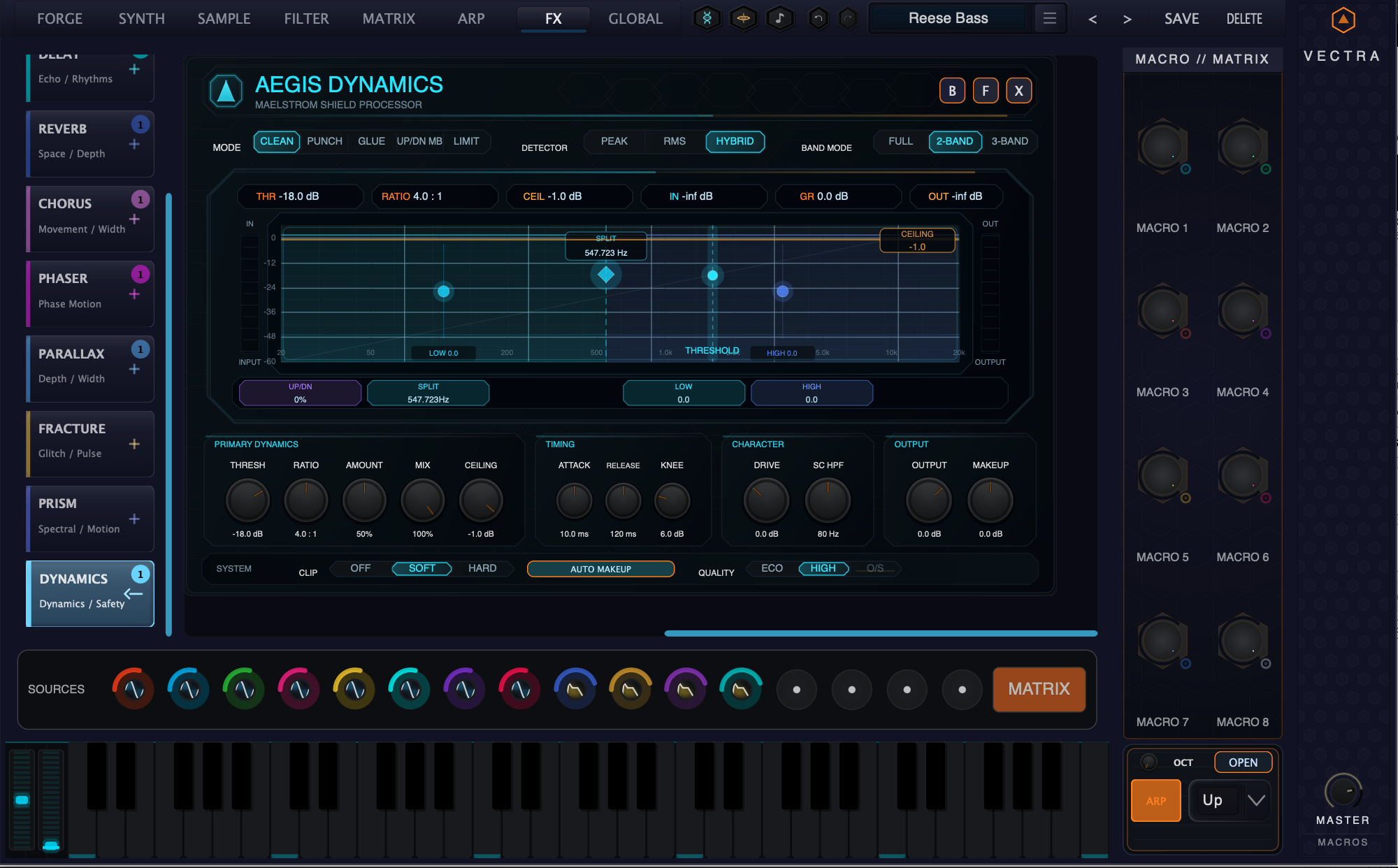
Vectra Classic unlocks the Classic interface palette: a deep blue-black Vectra surface with bright orange focus accents for users who want the original high-contrast instrument look.
What it is
VECTRA Classic is a UI theme for VECTRA. It changes the instrument palette, accent treatment, panel background, knob and textbox fills, Helios step colors, and related overlay colors without changing the audio engine, presets, or DSP behavior.
What it unlocks
- Vectra Classic theme / skin.
Visual/workflow value
Use VECTRA Classic when you want the instrument to keep a recognizable high-contrast VECTRA identity: dark blue-black panels, bright orange accents, readable white text, and coordinated colors for Helios and the Mandalizer-style overlays. It is a visual workflow choice for long sessions, stage setups, screen capture, and users who prefer the original VECTRA color language over darker or more decorative skins.
Tier note
Already included with VECTRA Standard and VECTRA Deluxe. This standalone unlock is for users building VECTRA modularly from the Free edition.
How to activate
After purchase, open VECTRA and go to License Center → Sync VECTRA. The unlock is tied to the account used at checkout.